
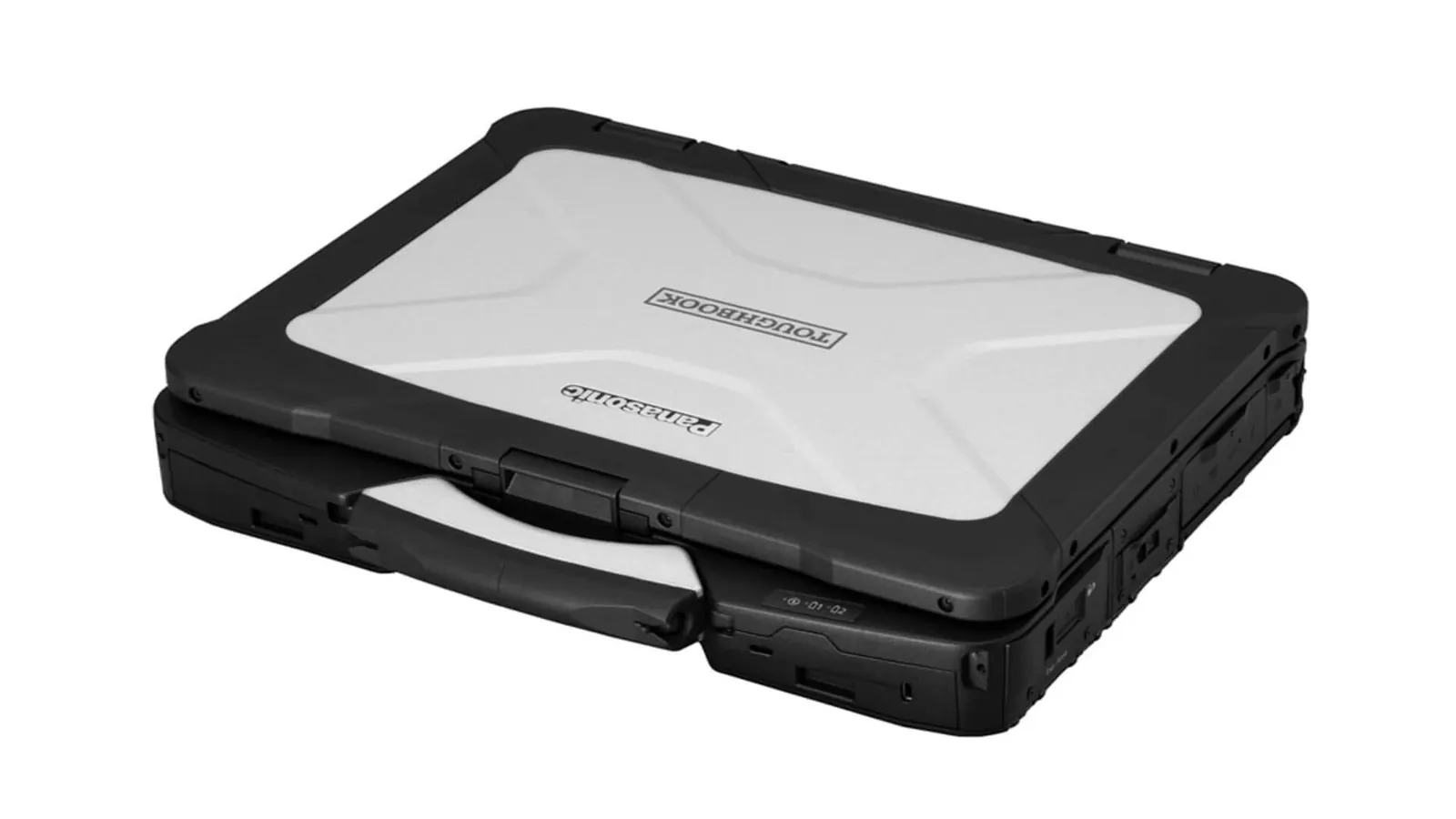
Toughbooks are used for navigation, dispatch, vehicle tracking, mapping and inspections, all of which need a location. There are three ways a Toughbook gets GPS, and the right one depends on how the computer is used. Here's how they compare and which models offer each.
Three ways to add GPS
| Option | How it works | Good for |
|---|---|---|
| Satellite GPS on the 4G LTE / 5G card | Most Toughbook mobile broadband cards include satellite GPS, so you get location and a cellular connection from one module. | Computers that also need a cellular connection |
| Dedicated GPS | A separate, built-in GPS receiver, independent of the cellular card. | Location without a cellular card, or GPS running alongside it |
| External USB GPS | A GPS receiver that plugs into a USB port. | Adding GPS to a unit built without it |
For the cellular side, see our 4G LTE and 5G guide.
Which models offer built-in GPS
| Model | Satellite GPS on the cellular card | Dedicated GPS | Antenna pass-through |
|---|---|---|---|
| TOUGHBOOK 40 | Yes | Optional | Optional quad |
| TOUGHBOOK 34 | Ask us | Optional (u-blox NEO-M9N) | |
| TOUGHBOOK G3 | Ask us | Optional (u-blox NEO-M9N) | Optional dual |
| TOUGHBOOK G2 | Yes | Optional | |
| Toughbook FZ-55 | Yes | Optional | Optional dual |
| Toughbook CF-33 | Yes | Optional | |
| Toughbook CF-31 | Yes | Optional | Single or dual |
| Toughbook CF-19 | Yes | Optional | |
| Toughbook CF-53 | Yes | Optional | |
| Toughpad FZ-G1 | Yes | Optional |
"Yes" means the model's 4G LTE (or 5G) options include satellite GPS. The TOUGHBOOK 34 and G3 offer 5G and a dedicated GPS; ask us whether the 5G card's GPS suits your use. Blank cells mean the option isn't listed for that model; ask us. Each model's GPS options are listed on its page and in our help center, under the model's GPS article.
Getting a good GPS signal
- GPS needs a view of the sky. It works by receiving signals from several satellites at once, so buildings, terrain and a vehicle's metal roof all weaken it.
- In a vehicle, use a roof antenna. A dock with antenna pass-through connects the computer's GPS and cellular radios to antennas on the roof. See how to choose a vehicle mount and dock.
- Want GPS without a cellular card? Choose a dedicated GPS, which works on its own.
Ordering GPS
GPS is easiest to get by choosing it when the computer is built: pick a 4G LTE option with GPS, or a dedicated GPS, when you order. On refurbished units we install and test it before the computer ships; new units come with it installed at the factory. For a unit you already have, an external USB GPS is the simplest add-on. Not sure which you need? Ask our technicians, or request a quick quote for a fleet.