
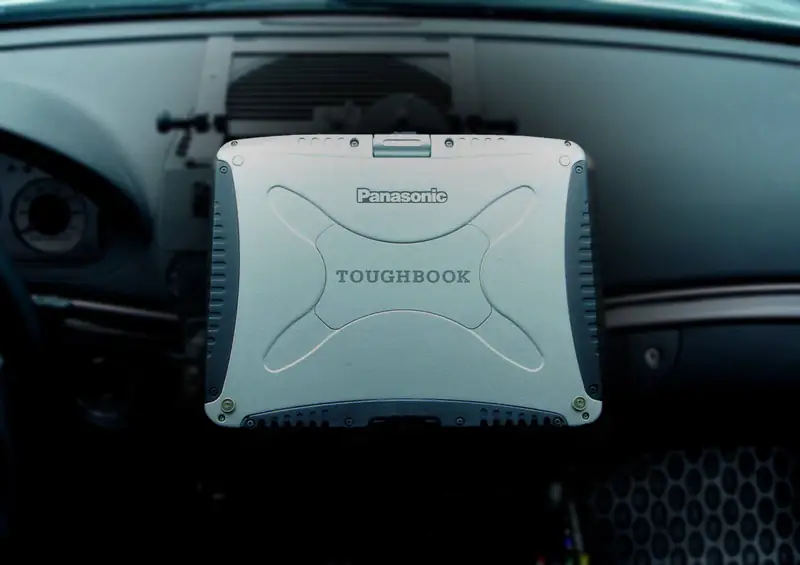
A Toughbook that rides in a patrol car, service truck or ambulance needs a mount that holds it safely, puts the screen where the driver can use it, and ideally keeps it charged and connected. Here's how a vehicle mount setup fits together and how to choose the right one.
Short on time? Our mount finder asks for your vehicle and your computer and shows only the kits and docks that Havis and RAM Mounts list as fitting that combination.
The parts of a vehicle mount
A complete setup has up to five parts, from the floor up:
- Vehicle base. A mount kit made for your vehicle that bolts in place. Most kits use the factory seat bolts or existing mounting points, so drilling usually isn't needed.
- Pole. Raises the computer to a usable height. Havis Standard packages use a heavy-duty pole; Havis Premium uses a height-adjustable telescoping pole with a handle.
- Motion attachment. Lets you angle the screen toward the driver or passenger. Havis Standard has a tilt/swivel top; Premium adds an 11-inch slide-out locking swing arm and a side arm for stability.
- Dock or cradle. Holds the computer itself, and is made for specific computer models.
- Power. Most Havis docks need a vehicle power supply, sold separately. A few have one built in.
Dock or cradle?
This is the most important choice:
- A cradle only holds the computer. It doesn't charge it.
- A dock holds the computer, charges it and adds ports such as USB, Ethernet and video, so a keyboard, printer, camera or second screen can stay plugged in. Drop the computer in and everything connects.
If the computer stays in the vehicle for a full shift, or anything else in the vehicle needs to connect to it, choose a dock. A cradle makes sense when the computer comes in and out often and you charge it elsewhere.
Antenna pass-through
A computer inside a metal vehicle gets weaker cellular and GPS signals than it would outside. Docks with dual, triple or quad pass-through connect the computer's built-in antennas (LTE, GPS and Wi-Fi) to external roof antennas. If your vehicles don't have roof antennas, you don't need pass-through. If the computer uses 4G LTE or 5G in the field, it's usually worth it; see our 4G LTE and 5G guide.
Havis or RAM Mounts?
- Havis is the choice when the computer needs to charge and connect while it's mounted. Havis docks and cradles bolt only to Havis pedestal packages; they don't fit RAM Mounts kits.
- RAM Mounts No-Drill kits are a simpler, lower-cost option. They hold the laptop in a spring-loaded tray, without charging.
Which computers are covered
The mount finder covers current and older rugged models, including:
- Panasonic Toughbook 55, 56, 54 and 40: Havis docks and cradles, and RAM tray kits
- Toughbook 33 and 34 (2-in-1 and tablet), G3, G2, Toughpad FZ-G1 and Toughbook 20: Havis
- Toughbook 31, 53, 52 and 30: RAM tray kits
- Dell Latitude 5420 and 5430 Rugged, and Dell Pro Rugged 14: Havis and RAM
- Getac laptops and tablets, including the B360, S410, S510, V120, F110 and UX10
It covers Chevrolet, GMC, Dodge, Ram, Ford, Jeep, Nissan, Toyota and other makes from 2015 on, including the Ford Police Interceptor Utility, F-150, Super Duty and Transit, the Chevrolet Tahoe and Silverado, and the Dodge Charger and Durango.
Before you order
- Check your vehicle's configuration. The same model year can come in configurations that take different kits. Your window sticker or build sheet has the details.
- Match the dock to the computer model. Docks and cradles are made for specific models. Some newer Toughbooks fit their predecessor's docks (for example the 34 in many 33 docks, the G2 in most FZ-G1 and CF-20 docks, and the G3 in most G2 docks), but confirm the part number before you order.
- Plan the power supply if the dock doesn't include one.
- Not listed? If your vehicle or computer isn't in the finder, or you'd like a universal kit, request a quote and we'll confirm the fit before you order.
Outfitting a whole fleet? Send us the vehicles and computers and we'll quote the complete setup: computers, docks, mounts and power.