
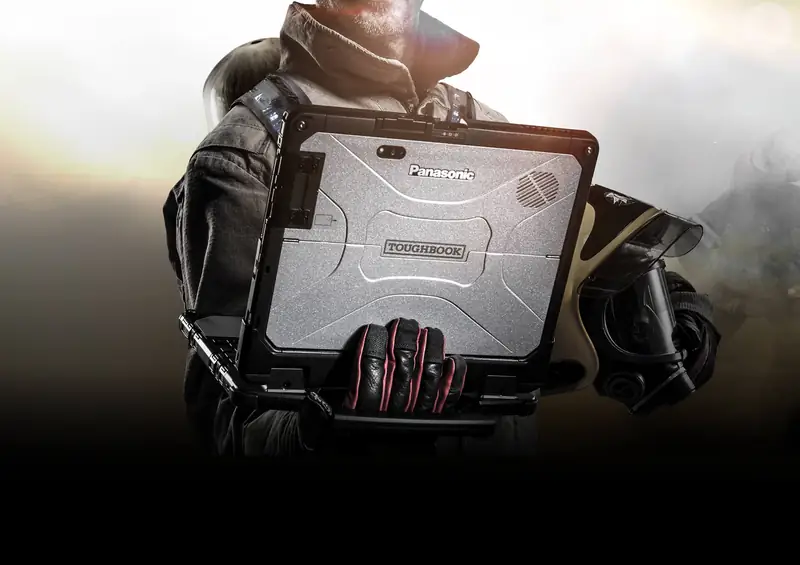
A Toughbook in an ambulance, a patrol car or a hospital gets handled by many people and wiped down often. Rugged doesn't mean chemical-proof: the wrong cleaner, or too much of it, can cloud the screen coating, fade the paint and wear out the rubber seals that keep water and dust out. Here's how to clean and disinfect one safely: what Panasonic tested and recommends, plus general care tips. See sources.
What Panasonic tested
Panasonic tested common hospital disinfectants by wiping each area of a TOUGHBOOK 10,000 times. The products it lists include:
- Sani-Cloth Plus germicidal disposable cloths
- Alcohol prep swabs
- CaviWipes
- Total Solutions disinfectant wipes
- Clorox Healthcare bleach germicidal wipes
Panasonic says its goal is that the disinfectants it approved don't affect how the computer performs, though some caused a visible change in appearance after 10,000 wipes. It doesn't endorse a brand and can't warrant the long-term effects of disinfectants, so check the label of what your agency uses, and your model's manual.
How to clean a Toughbook
- Turn it off and unplug it, or at least undock it and lock the screen, so a wipe doesn't press keys or touch controls.
- Close the port covers and make sure the battery and xPAK doors are latched. The seals only work when they're closed.
- Use a pre-moistened wipe. Panasonic recommends wipes over other forms. If you use a spray, spray it onto a soft cloth, never directly onto the computer.
- Wipe, don't soak. Squeeze out excess liquid so nothing runs into seams, vents or the keyboard.
- Leave it wet no longer than the disinfectant's label needs to work, then dry it. Panasonic notes that drying soon after application limits the effect on metal and plastic finishes.
- Clean the screen gently with a soft cloth. Don't scrub it with abrasive pads or paper towels, which can scratch the anti-glare coating.
What to avoid
- Soaking or spraying the computer directly, even on IP65 and IP66 models. Ratings are tested with water, not solvents, and with all covers closed.
- Leaving disinfectant to sit or pool. Panasonic warns that prolonged chemical exposure can oxidize and discolor paint and break down the rubber seals.
- Products that aren't on the tested list, especially solvents and abrasive cleaners. Check your model's manual first.
- Compressed air into a wet port, which pushes liquid further in.
Seals, gaskets and covers
Water and dust resistance depends on the rubber gaskets on the port covers, battery doors and xPAK bays. Frequent disinfecting wears them faster. If a cover no longer closes firmly, or a gasket is cracked or swollen, replace it. Ask us for the right part for your model.
Keyboards and accessories
- Backlit and emissive keyboards clean the same way: a wrung-out wipe over the keys, never liquid poured on. See Toughbook keyboards.
- Hand straps and shoulder straps are fabric and absorb fluids. Keep spares and replace them rather than soaking them.
- Vehicle docks: unplug the dock's power and wipe the outside. Keep liquid out of the docking connector.
For EMS and fire crews
Tablets and 2-in-1s like the Toughbook 33, G2 and G3 are built for ePCR at the scene and are easier to wipe down than a laptop with a keyboard. Disinfecting the computer doesn't replace gloves and other protective equipment. More: our EMS and fire laptops page.
Sources
- Panasonic Connect: TOUGHBOOK cleaning and sanitizing guide
- Panasonic: TOUGHBOOK cleaning and sanitising brochure (2026) (tested products, wipes preferred, spray onto a cloth, cautions)
- Panasonic Connect: Cleaning mobile devices (10,000-wipe testing, effects of prolonged exposure on paint and seals)