
Follow these 2 steps from our Toughbook technicians, with a photo of each one, or watch the video.
Watch the video
Turn on wireless switch
Steps
-

1Turn the unit onto its right side and open the media bay door
The wireless switch is behind the door.
-
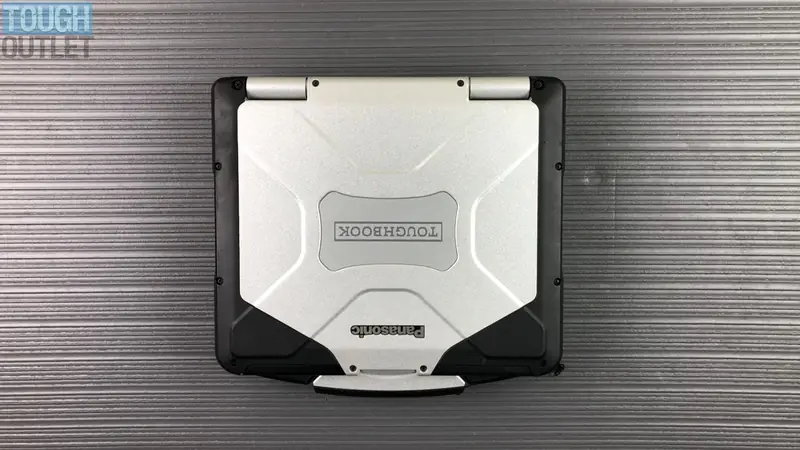
2Push the wireless switch from "off" to "on"
If the computer is on, you may need to restart Windows.
Stuck, or not sure a part fits your unit? Ask our technicians; we support every Toughbook we sell. Need memory, a drive, a keyboard or a battery? Request a quick quote.
More on the Panasonic Toughbook CF-31: Wireless.