
Follow these 4 steps from our Toughbook technicians, with a photo of each one, or watch the video.
What you'll need
- Phillips-head screwdriver
Watch the video
Install RAM
Steps
-

1Disconnect all power sources
This includes the AC adapter and the battery.
-

2Remove the RAM cover
Use a Phillips-head screwdriver.
-
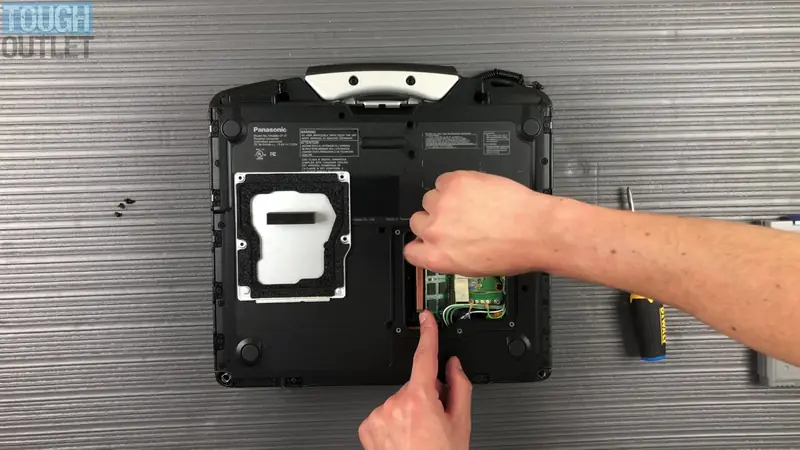
3Gently insert the RAM stick into the slot
If you are only using one RAM stick, insert it into Slot 1.
-

4Reassemble your laptop
Reattach the RAM cover and reinsert the battery.
Stuck, or not sure a part fits your unit? Ask our technicians; we support every Toughbook we sell. Need memory, a drive, a keyboard or a battery? Request a quick quote.
More on the Panasonic Toughbook CF-31: Maximum RAM.