
Follow these 2 steps from our Toughbook technicians, with a photo of each one, or watch the video.
Watch the video
Change your battery
Steps
-
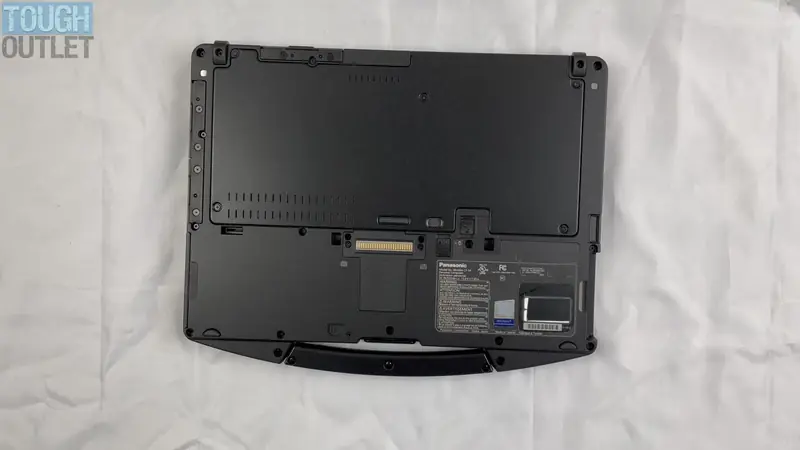
1Push the battery lock up and hold it
Keep holding it while you slide the battery out.
-

2Insert the new battery
You do not need to hold the battery lock. Insert the battery all the way.
Stuck, or not sure a part fits your unit? Ask our technicians; we support every Toughbook we sell. Need memory, a drive, a keyboard or a battery? Request a quick quote.